
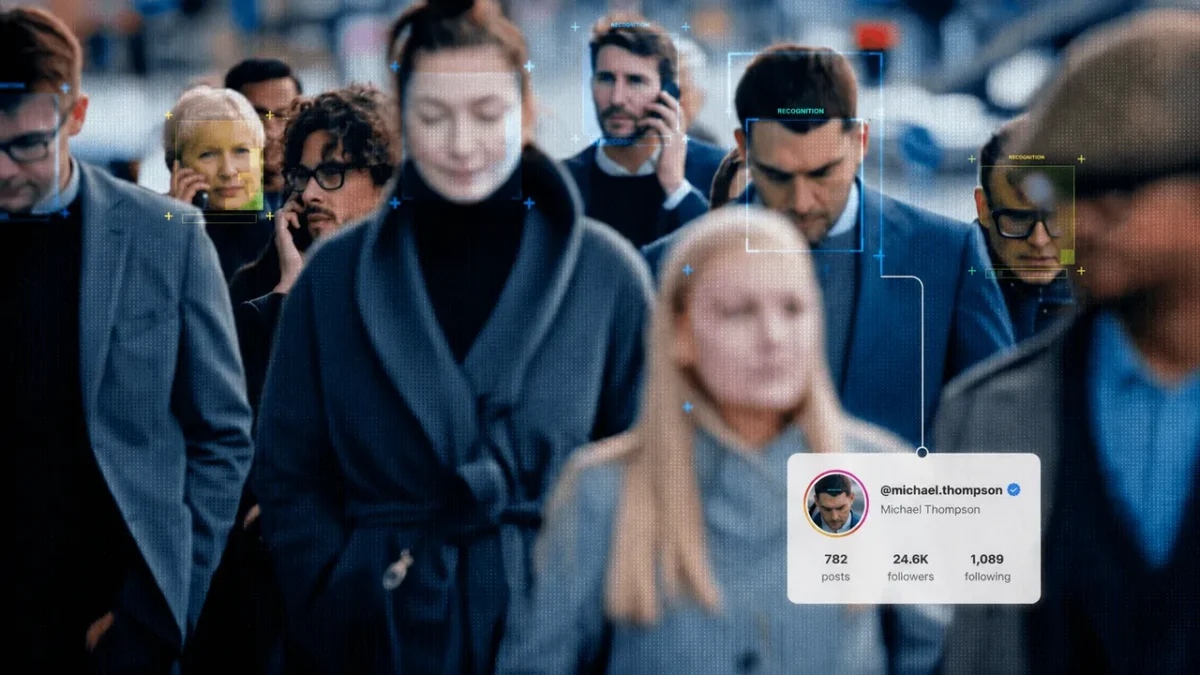
In the first nine months of 2025, individuals reported losing $1.16 billion to online romance scams. That number represents a 22% increase over the same period in 2024, with nearly 60% of those scammed saying the process began on social media.
But “romance scams” are only a part of a much larger trend of individuals posing as others online for nefarious purposes. Total losses tied to scams on social media hit $2.1 billion in 2025.
“Who is this person – and are they who they really claim to be?” That’s the question that many are now asking at the start of any interaction that starts online. Whether it’s a first date or a potential business deal, a name and online profile are no longer enough proof.
And as AI continues to improve at mimicking real individuals online, many are looking for a social media face search tool to help them connect and interact online with confidence.
But not all face search tools are the same. Some are designed for social media, while others are better suited for crawling the open web for identity checks. And some market themselves as the best identity tool on the web, but don’t quite stack up to experience.
Best Face Search Tools in 2026 – Quick Guide
| If this is your situation… | The best face search tool is… |
| You want to check if someone is a catfish or a fake verifying their social media presence on Instagram, Facebook, TikTok, or X | Face2social |
| You want to pull a deeper background check beyond social accounts | FaceCheck.id |
| You are looking for historical or hard-to-find photos from anywhere on the open web | PimEyes |
| You want one tool that also checks phone numbers, emails, and usernames | Social Catfish |
Face2social: The Best Face Search Tool Designed for Social Media Search
If you’re looking for a tool that can quickly pull social media accounts for face identification, Face2social may be your best bet.
Face2social searches four social media platforms simultaneously (Instagram, Facebook, TikTok, X) and returns potential matches within 30 seconds.
That narrow focus is the whole point: platform-aware face search matches a face against pictures already indexed by top social media networks, helping you connect a face to a username or account link.
The best thing about it is that the social media face search tool recognises facial features from the uploaded photo, rather than just looking for exact copies of that specific image. This means you can find someone even if they haven’t used that pic on social media.
Broad web search tools or reverse image searches offer less precise results and often lack a connection to an account or user that you can click on. Face2social helps users search fast and answer “Which account is this?” rather than simply “Has this photo shown up somewhere else before?”
Face2social offers a standard freemium model that allows users to search based on an uploaded photo, then pay for more details if the search matches an existing user or account.

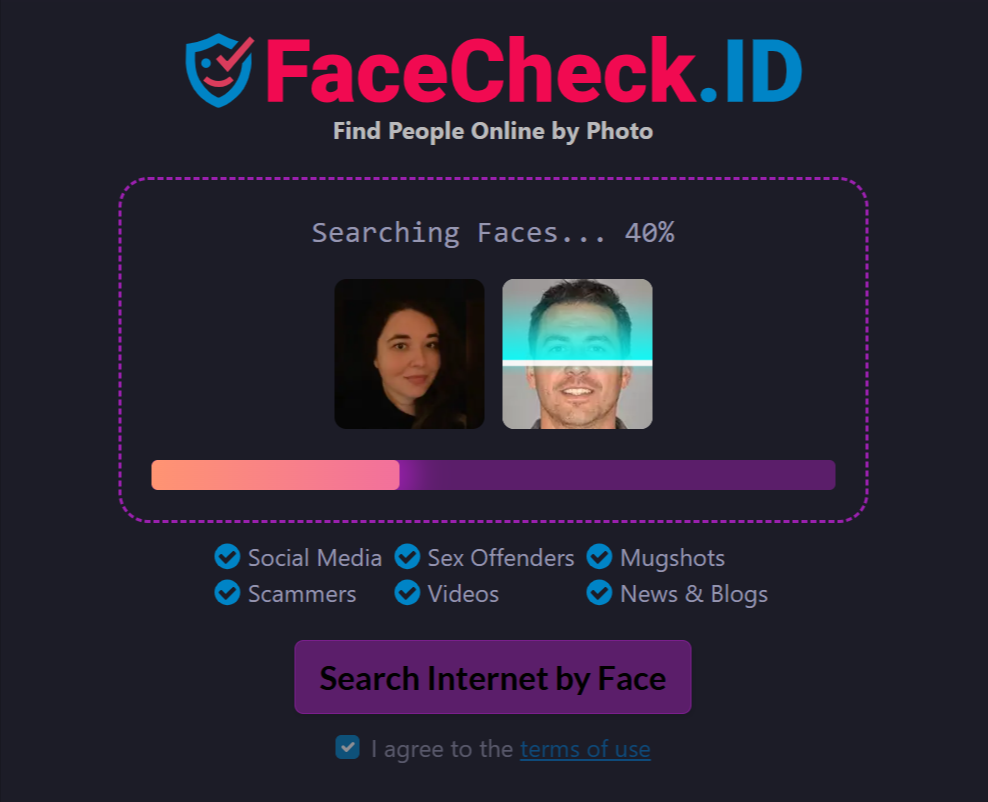
FaceCheck.id: A Wider Web Search Net
While a tool like Face2social hones in on social accounts, FaceCheck.id casts a much wider net.
This tool searches social media accounts as well as news sites, blogs, mugshot databases, and online directories/registries. It then scores each result by confidence level, offering a wider set of context based on the photo provided.
The primary catch with FaceCheck.id is the payment process. FaceCheck.id moved to a cryptocurrency-only platform in late 2024 and no longer accepts credit cards or PayPal for payment. If a user doesn’t already hold crypto, the payment process may be a real barrier.
Independent testing on FaceCheck.id found the true-positive rate to hover around 67% for clear and well-lit photos that feature a front-facing individual. Rates are lower for side angles or low-quality images.
PimEyes and Social Catfish: Different Tools for Image Identification Purposes
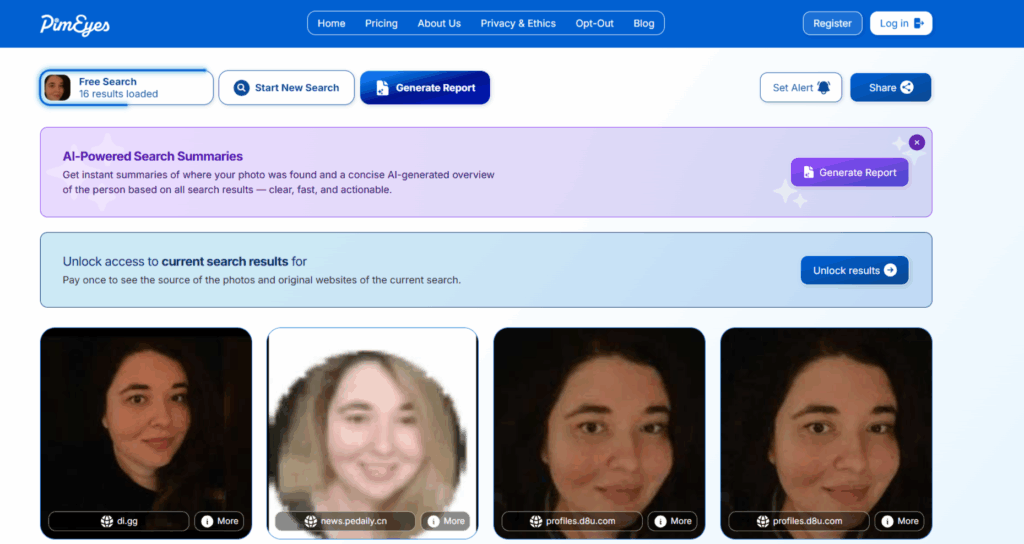
PimEyes isn’t a face search social media tool, but rather a system that indexes the broader open web, including old forums and even archived pages.
That means you can gain a much broader look at potential matches – but at a higher cost. PimEyes runs on a subscription plan, but is already facing legal issues. A lawsuit against the company has been opened by plaintiffs alleging that PimEyes violates the Illinois Biometric Information Privacy Act.
Social Catfish isn’t primarily a face search tool either. Instead, it’s a reverse-image search tool and allows users to look up phone, email, and username for ~$36- $50 a month.
Social Catfish can deliver on results, but it is built more for those wanting a single subscription that covers multiple verification tools (rather than focusing on face search matches).
How to Run a Social Media Face Search
If you’re looking to connect a photo with a username or account on a major social network, the process is easier than you might expect. As long as you have a tool that can search public accounts on the four major social media platforms, you can typically find what you’re looking for in six steps:
1. Start with a clear, front-facing photo
Most tools struggle to return accurate results if a photo doesn’t feature the full front-facing face of an individual, or if they are wearing sunglasses, blocked by a filter, etc. Make sure the photo you use offers the best “view” of the person you’re trying to search for.
2. Upload your photo to a tool that matches where you think they are
If you’re trying to search for someone from a dating app or a social network follow request, use a tool that’s specific to social media (such as Face2social). If you aren’t sure where they might show up, a broader search tool that uses a larger web context may be better.
3. Wait for the process to match
Most tools return results quickly, depending on the medium you’re searching and the quality of the image. Face2social typically returns social media match results within 30 seconds.
4. Check the free preview (if applicable) before you pay
If your face search tool offers a free preview, make sure you are confident in the result before paying for more details. Face2social and FaceCheck.id both show whether or not a match exists before you are charged.
5. Review the face search match confidence level
A visual match is not 100% proof on its own. If the tool offers a confidence score, make sure to view that result as well to know if the match scores well against the search criteria.
6. Cross-check any name or handle that comes back via a face search
Once you get a potential match, make sure to cross-check the account’s post history, any mutual connections you may have, and the account’s age before you act. A face match tells you where a photo has been used, but it can’t tell you if the account is fully trustworthy on its own.
Tips for Using Face Search Tools the Right Way
Face search may sound like an excuse to be extra nosy, but these tools serve very legitimate purposes.
For instance, someone who is meeting up for a date with someone they connected with online may want to make sure the person they’re meeting is who they claim to be. The same goes for other online connections – a quick face search can help prevent many of the online scams that are growing in number every year.
But it’s not just searching other people that has social media face search tools like Face2social growing in popularity. Individuals can also use these tools to see if their photo is being reused without their explicit permission.
It’s important to note that these tools are designed to search public, open accounts and readily available web content. They do not search private accounts or use hacks or workarounds to uncover content users have marked as private.
Know Who’s Behind the Profile with Face Search Tools
Do you really know if the person you’re talking with online is who they say they are? Can you trust that the smiling face in the profile circle doesn’t have ulterior motives?
A fast and easy social face search is one of the best tools you have to keep yourself safe online. And rather than work your way through a massive set of online image results, having one tool that hits the four top social channels gives you the results you really need.
Face2social gives you a free preview of face search results across the top four major social networks, all in under a minute. Give it a try yourself online today and start searching now.
Frequently Asked Questions
Is it legal to search for someone online using a photo of their face?
- Generally, it is safe and legal to search online using a photo if the tool only searches publicly available information. Any tool that claims to search private data could be violating privacy laws (or promising results it can’t deliver). Facial recognition laws are changing and evolving state by state, so it is important to stay ahead of any new laws or regulations as you search.
What face search tool is the cheapest for a single search?
- Face2social’s free preview costs nothing, and users only pay if a match turns up. FaceCheck.id’s cheapest paid tier starts at around $19 but requires payment in cryptocurrency. Social Catfish and PimEyes are subscription-based tools, which are typically only valuable if you require ongoing search capabilities.
Can face search tools find someone who isn’t on the platform I search?
- No, a face search solution can only find matches within the sources it indexes. If someone’s photo isn’t on a social network, Face2social won’t surface it. PimEyes offers a broader web index, but may not return the most accurate results. Use a tool that explicitly runs searches on your specific platform or need.
